Tech firm raises £3,520 for Prostate Cancer UK at Hotel Wrexham event
Read More

2nd March 2026
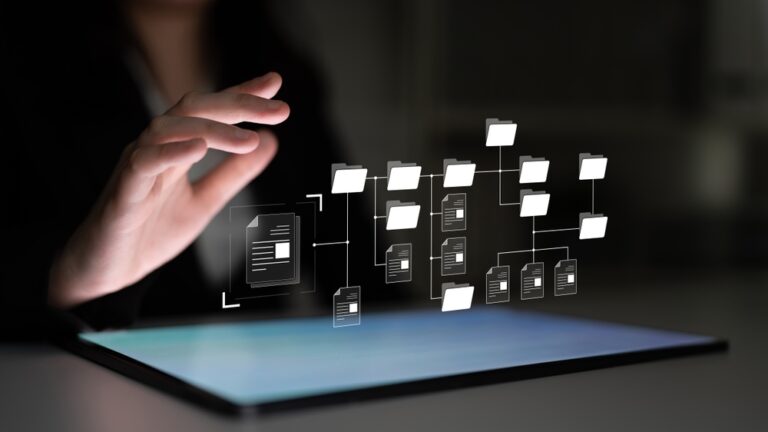


A leading technology expert has shared his top tips on how to keep your PC organised – and explained why this is vital for the performance and security of businesses.
Roy Shelton, Group CEO of managed service provider Connectus Business Solutions, said: “It sounds like a mundane issue, keeping your computer organised, but within an organisation it is actually vital for productivity.
“Research shows that employees can waste up to 2.5 hours a day searching for misplaced or hard to find information. Scale that up and it’s quite obvious that this can mean a wholly avoidable drag on corporate performance.
“Encouraging all users to occasionally take time out to clean up their virtual desktops can also bring benefits in terms of data security and reduced stress and anxiety in the workplace.
“Here are five pointers for improving and effectively streamlining your workflow.”
1 – Improve productivity – by having a logical folder structure for project files and consistent naming conventions. This will allow you to find them in seconds rather than embarking on time-consuming and frustrating searches.
This will decrease the mental energy involved in worrying about being able to locate essential information, reducing decision fatigue and increasing overall cognitive capacity for more important tasks.
2 – Improve computer performance – a cluttered and overcrowded hard drive can often cause PCs to slow down and run frustratingly slowly. Clearing out your downloads folder to remove no-longer needed items, deleting unwanted programs, and emptying the trash bin can improve the speed of your machine.
A regular clear-up will enhance the stability of your computer, prevent system crashes, and keep software running smoothly.
3 – Improve data security – organised files are much easier to back up. You can prevent the risk of important data being deleted permanently by backing up to the cloud or an external hard drive.
Removing old or unwanted programs reduces security risks, as outdated software are often targets for cyberattacks and exploits.
4 – Improve mental clarity – a cluttered screen or desktop acts as unneeded visual noise which can lead to feelings of being overwhelmed, and stressed.
A tidy digital desktop will increase your focus on the task at hand without being distracted unnecessarily.
5 – Improve professionalism – being able to promptly locate a file during a meeting or conference call demonstrates professionalism and competence.
In shared environments, it means information can be provided efficiently without constant requests for help.
For more information see connectus.org.uk
Proud sponsors of: